
Description
The machine was part of a workshop for unknowndevice64. A path for us is written in the description section of the site. According to this path, we can start to solve our machine. If you want to download unknowndevice64: 1 vulnhub machine, you can click here and click here to read the solution of the second machine of the series.
Writeups
First, we turn on the vulnerable machine we downloaded. The opening image of our machine is as follows. We run our vulnerable machine in VirtualBox. First, we need to learn the IP address.
netdiscover
After learning the IP address, we will scan the open ports to draw our progress path.
nmap -sV -p- 192.168.1.5
We only have two open ports. We will make an entry to the 1337 ssh port with the information we found on the 31337 http port. To do this, we first login to port 31337.
http://192.168.1.5:31337
When we look at the source code, it gives us the hint that the key is hidden. We use this hint to go to the relevant directory. After going to the relevant directory, we see an image.
http://192.168.1.5:31337/key_is_h1dd3n.jpg
We have come to the site where the image is, now we need to download this image and extract the hidden data.

The painting has landed on our system. We will use the tool called steghide to reach the text hidden in the picture, and this tool is a tool used in steganography. If it is not installed on your system, you can perform the installation process easily with sudo apt-get install steghide command. We try the word h1dd3n as a password and succeed.

We have extracted the text file inside the picture with our Steghide tool. This is a programming language called brainfuck. We output this code from a related site.

ud64:1M!#64@udSSH
When we execute the relevant encoded text, it gives us a username and password. We will use the relevant id and pass in a ssh connection.

The input is provided and we see that the command we wrote is invalid to browse the files in the location we are in while inquiring about what we are as a user and where we are. We run the vi editor installed in the system. When we log in to the vi editor: we switch to bash shell by typing :!/bin/bash. If you enter the relevant commands while in the Bash shell, we will have changed the shell.
vi
:/bin/bash
export PATH=/usr/bin:$PATH
export SHELL=/bin/bash:$SHELL
Now, all we have to do is upgrade ourselves to the root user. When we print the permissions of the users with the sudo -l command, we see that we can log in without a password. If you write sudo advance privilege escalation to the internet to use sysud64, it will be used. We enter a command and become the root user. Now, as mentioned in the hint, going to the root directory and reading flag.txt.
sudo ./sysud64 -o /dev/null /bin/bash
Now, as mentioned in the hint, going to the root directory and reading flag.txt.
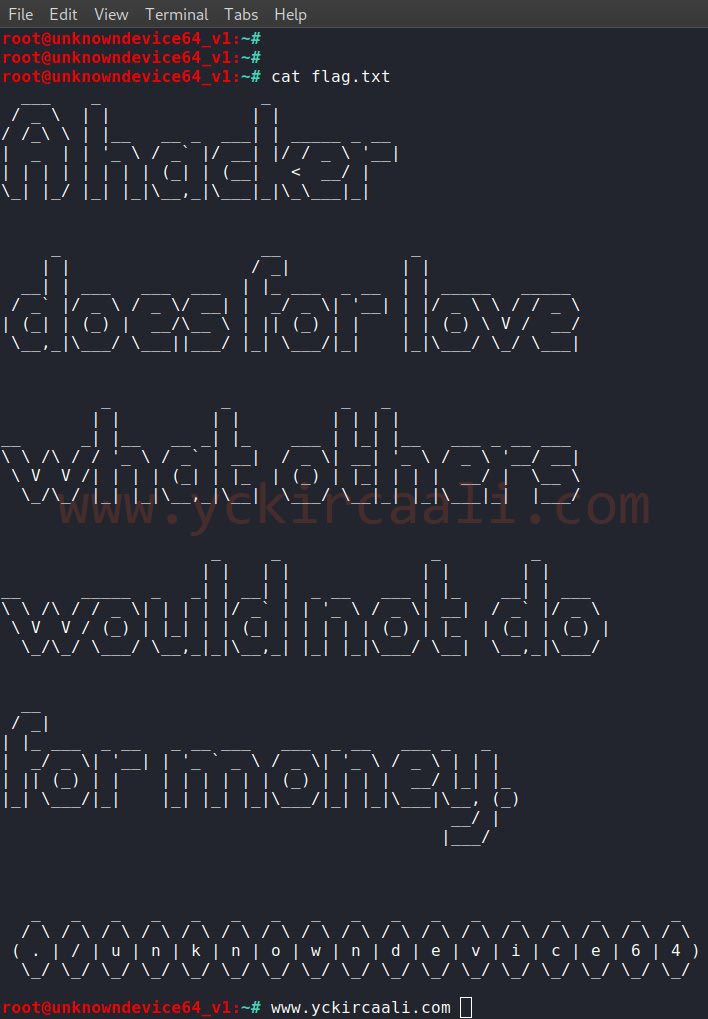
We came to the end of unknowndevice64 series.

